doppio – how it works
Stick it on, plug it in, pull a shot. The timer takes care of the rest.Quick Setup
Ready in under a minute – no tools, no changes to your machine.
Stick it on
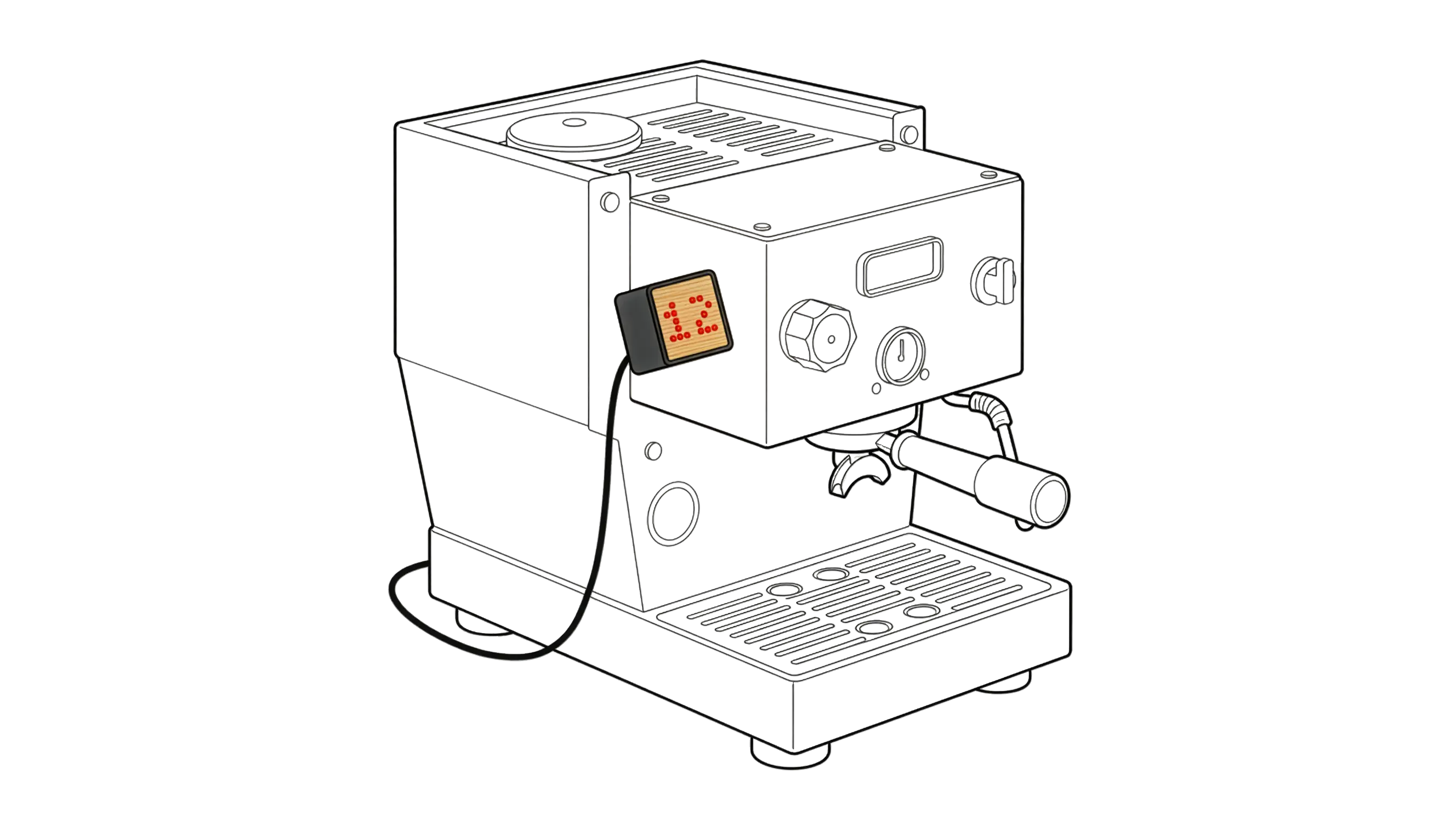
Peel the film off the nano-tape that is already attached and stick the doppio anywhere on your espresso machine. Orientation does not matter either: the display adjusts itself to the way you mounted it. It comes off again without residue, and two spare strips are included.
Connect power
Plug in a USB-C cable. That is all the doppio needs – an old phone charger or a power bank is plenty, since it draws around 0.2 watts.
Pull a shot
Done. As soon as the pump starts, the timer starts by itself and stops when the shot ends. No button to press, no pairing, no app.
Note — If the numbers appear upside down, briefly unplug the timer and plug it back in – it re-detects its orientation on start-up.
How does the timer work?
Inside the doppio sits a vibration sensor. It picks up the characteristic vibrations that appear the moment your machine's pump starts – and when they stop, it knows the shot has ended. So it counts up automatically while the pump is running and stops when the shot is over.
Here is what makes it special: apart from the tape holding it in place, the timer is not connected to your machine at all. No opening the housing, no soldering, no tapping into the electronics, no warranty questions. There is nothing to pair and, normally, nothing to configure.
That is exactly why it works with almost every espresso machine – vibration pump or rotary pump, whatever the brand.
If it does not work right away
The doppio recognises the vast majority of machines instantly. If yours is especially quiet, especially loud or runs a very long pre-infusion, you can tune the timer to it precisely: sensitivity, pre-infusion behaviour and LED brightness can all be adjusted through a simple website. Matching presets are already stored for many espresso machines.
If you have an Android smartphone, you can also use our doppio app.